Celebrations that last
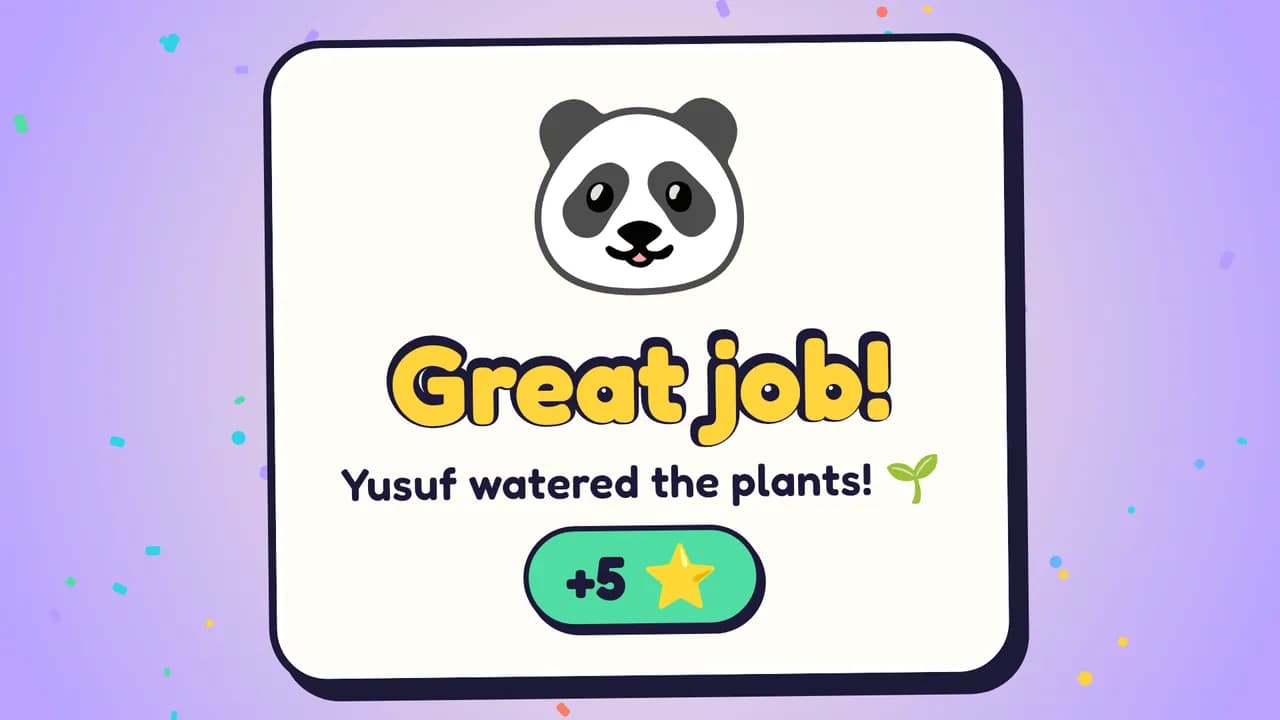
Confetti, stars and the child's name on the big screen — long enough to enjoy, queued so no win is missed.
Android phone + Android TV · free pilot
TinySteps turns daily routines into something the whole family enjoys on the living-room TV. Parents set the steps, kids tap “done”, and every win gets its own celebration.
Approvals
Amira
Brush teeth · +5 ⭐
✓ Approve
Yusuf
Tidy up toys · +10 ⭐
How it works
Set it up in a few minutes. After that, the TV does the cheering.
Add tasks like “Brush teeth” or “Tidy up toys”, choose the points and pick which kids they're for — on your phone or on the web.
The family board lives on your Android TV. Kids mark a task done with the remote — no phone, no email, no login for children.
A grown-up approves from their phone and the TV bursts into a celebration. Points add up toward rewards and milestones.
The real app
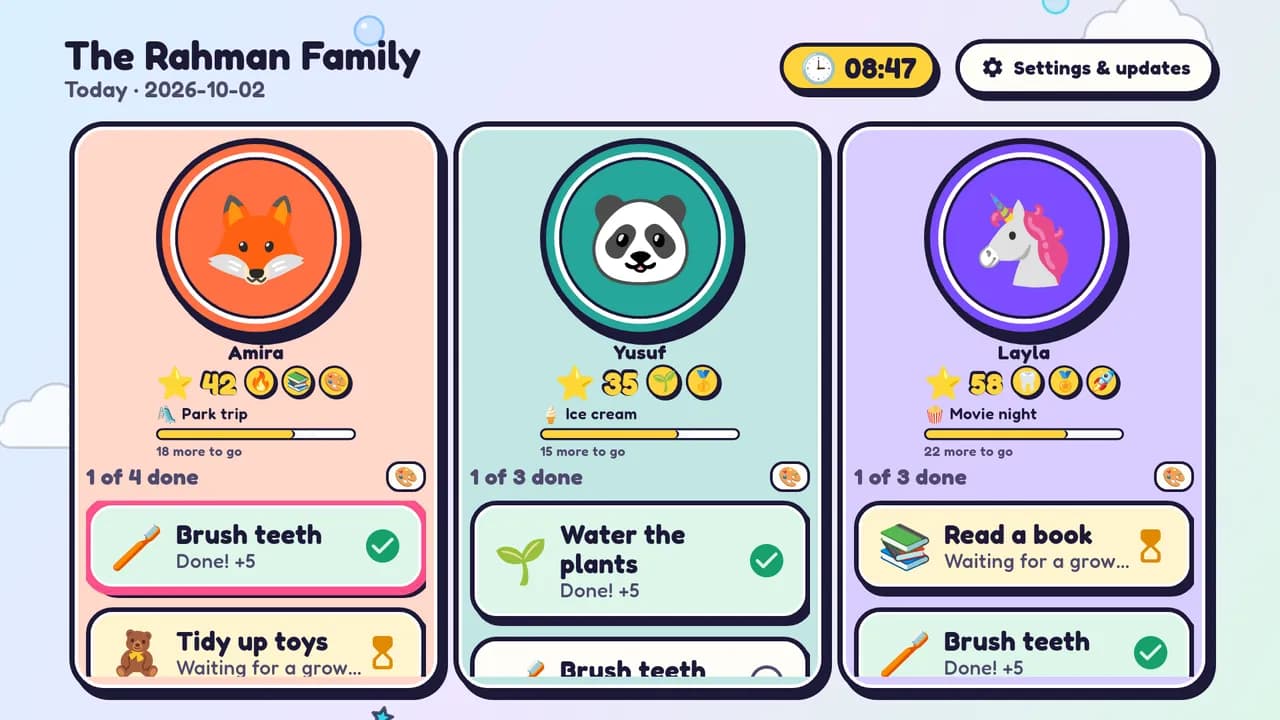
These are real screens from the TinySteps TV app, shown with a made-up demo family.
Confetti, stars and the child's name on the big screen — long enough to enjoy, queued so no win is missed.
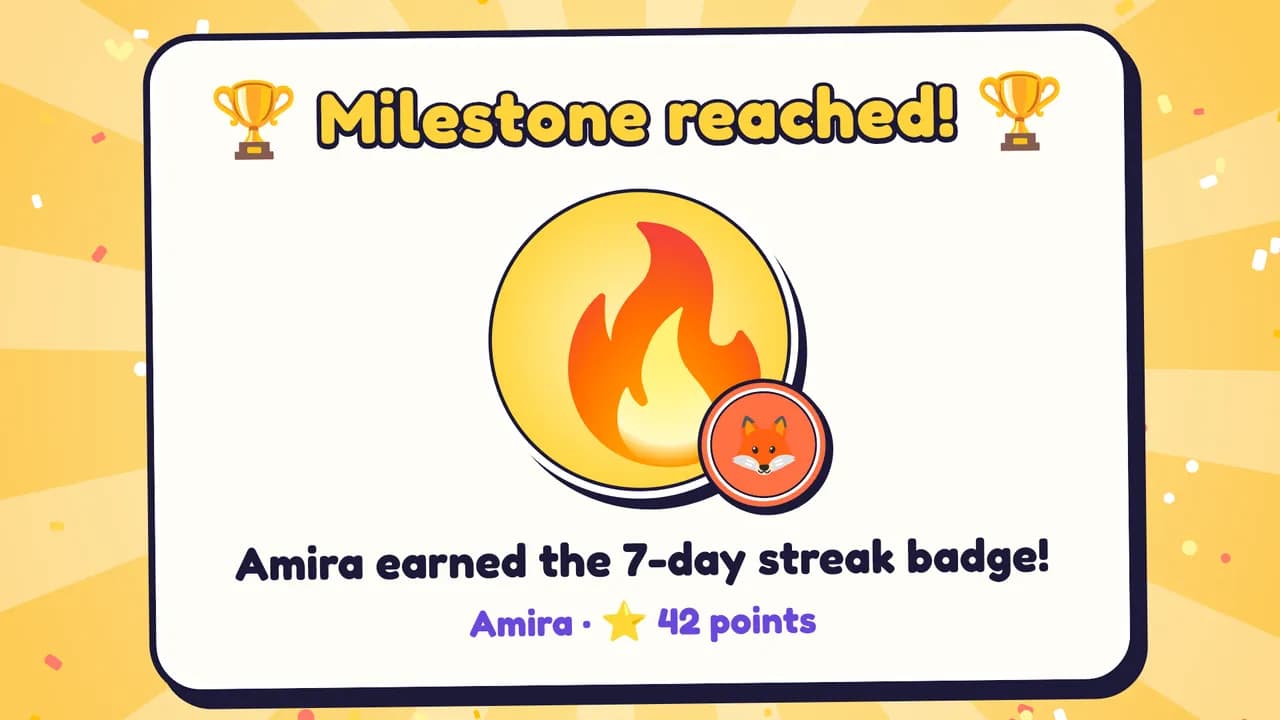
Lifetime achievements like “First step” or a 7-day streak. Spending points on a reward never takes a milestone away.
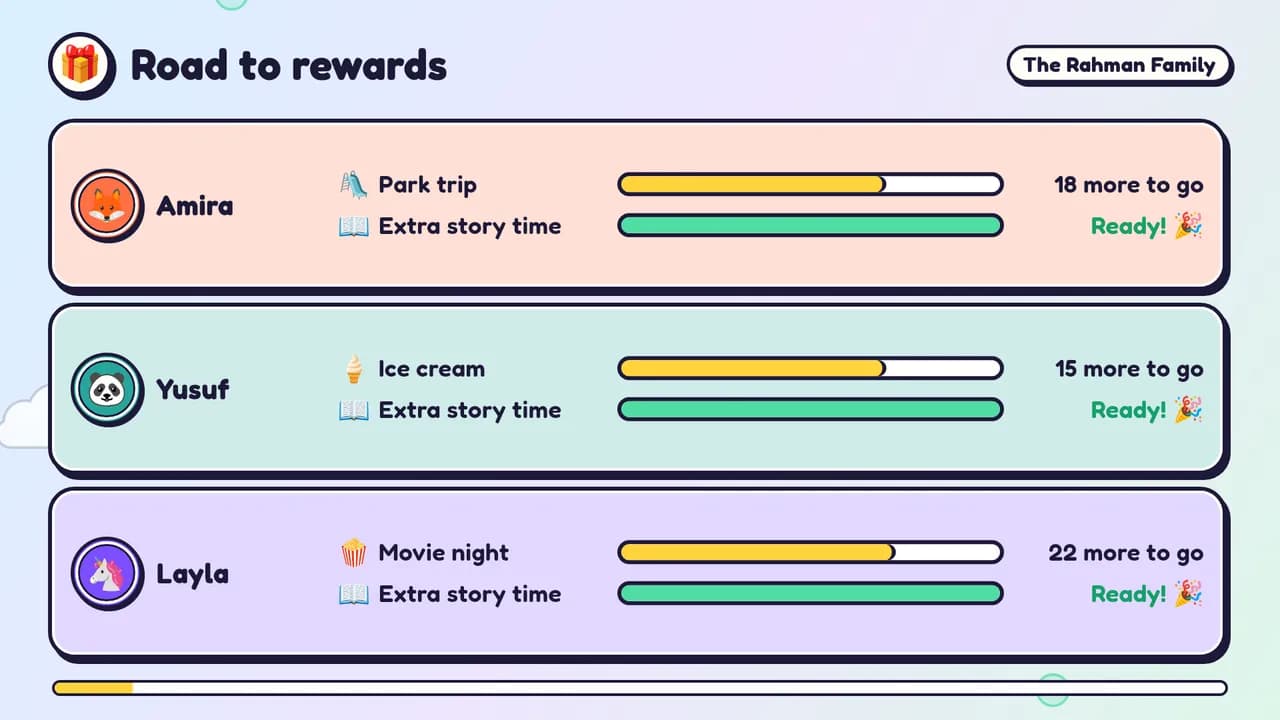
Each child sees how many points are left until the next reward you set — ice cream, a park trip, extra story time.
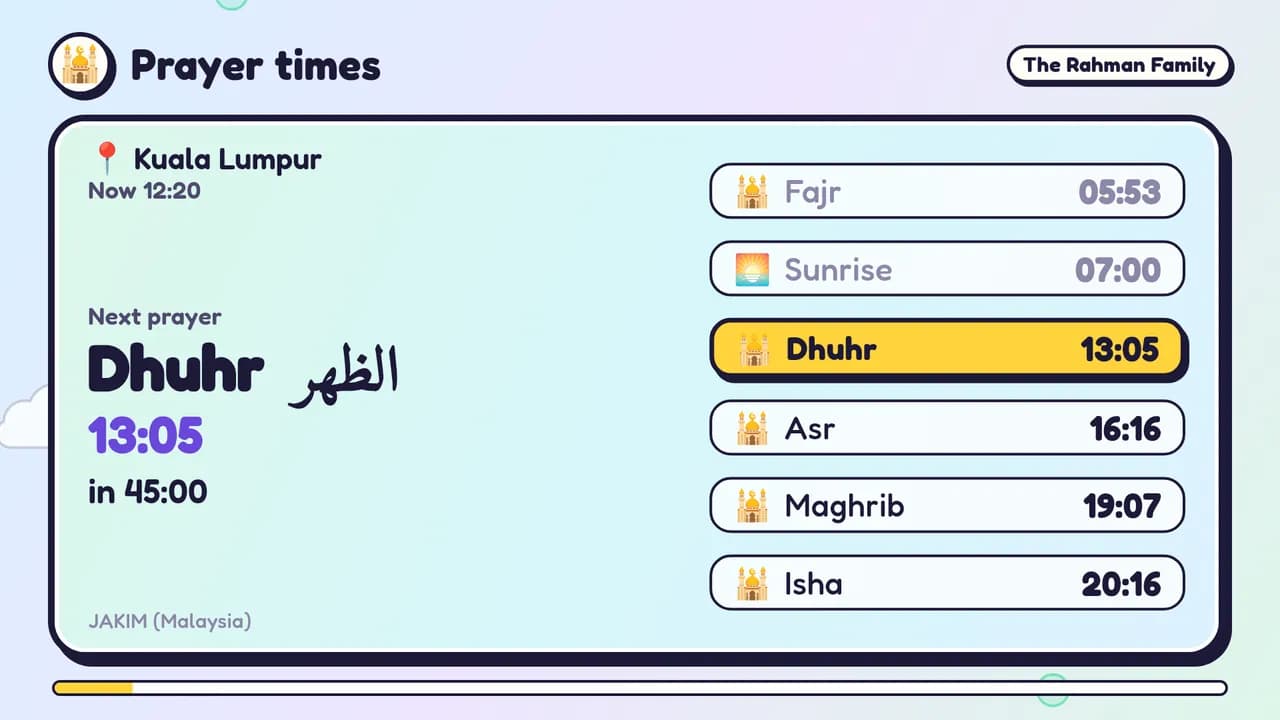
Today's prayers for your city with a countdown to the next one, shown in your family's time zone. Optional azan with audio you upload.
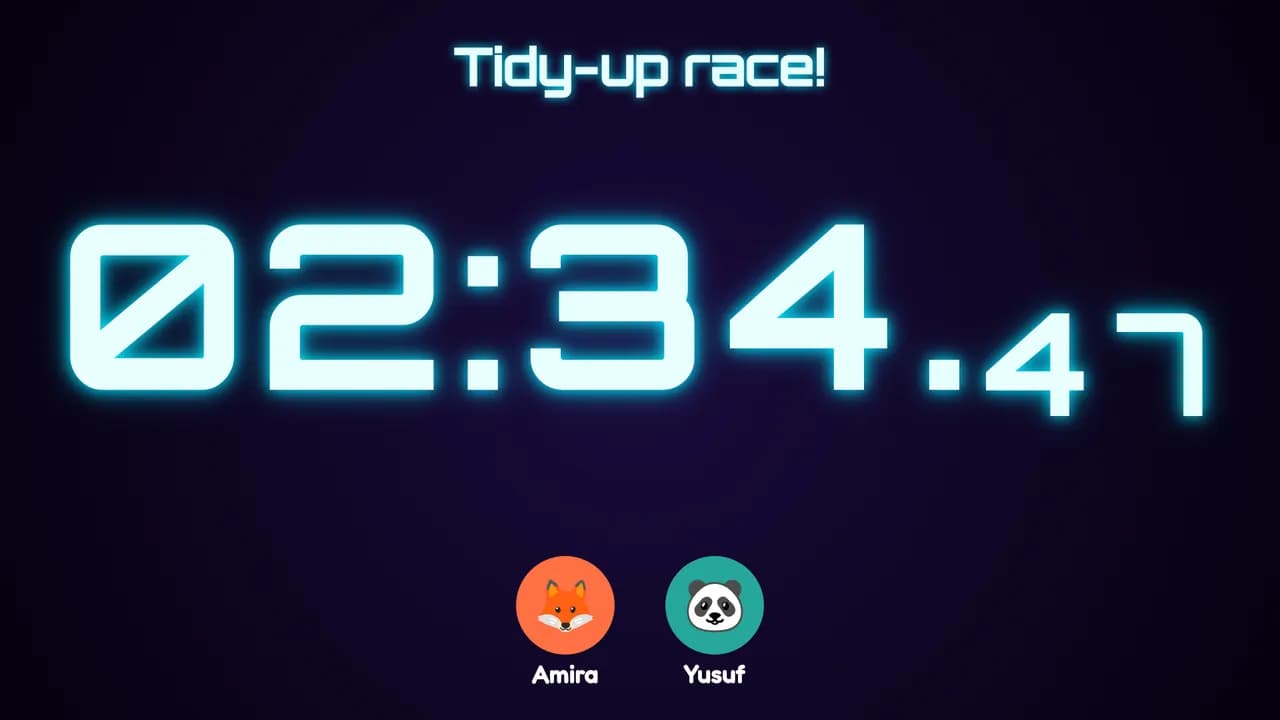
A big dramatic timer for tidy-up races and bedtime, with themes like neon or retro flip clock. Start it from your phone.
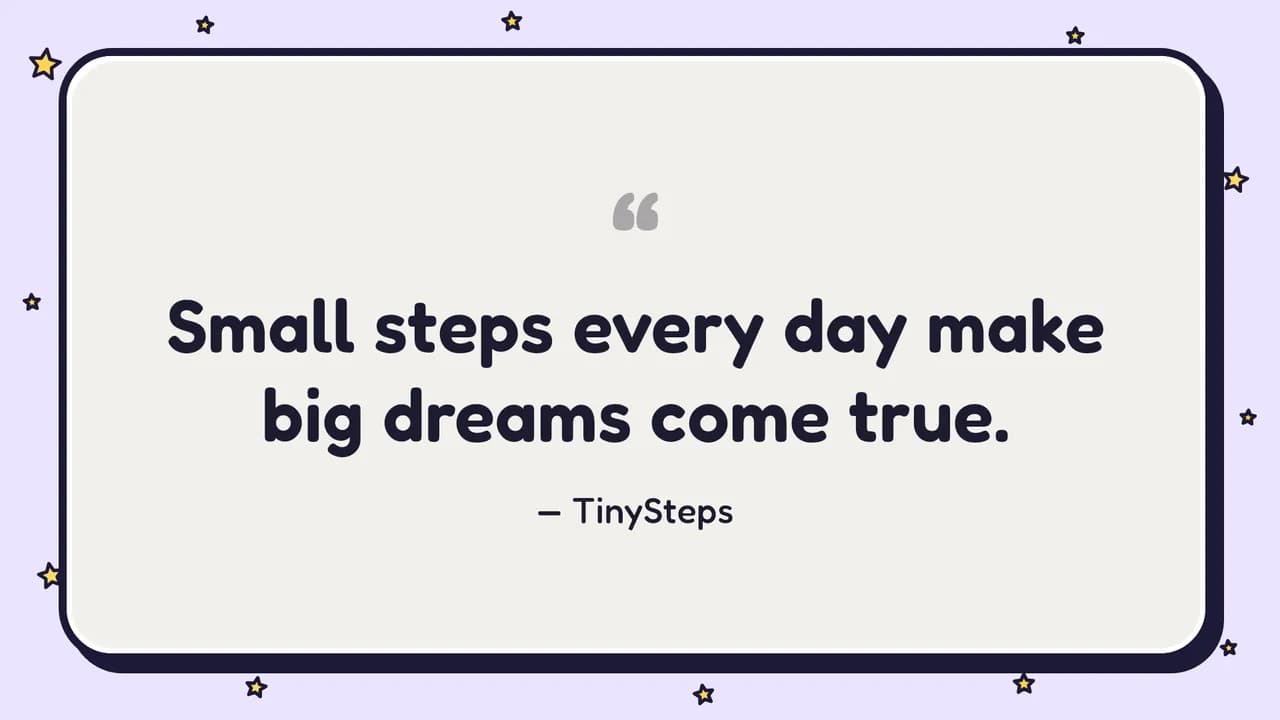
Design quotes, reminders, checklists or an Arabic dua card. They rotate on the TV and in the screen saver.
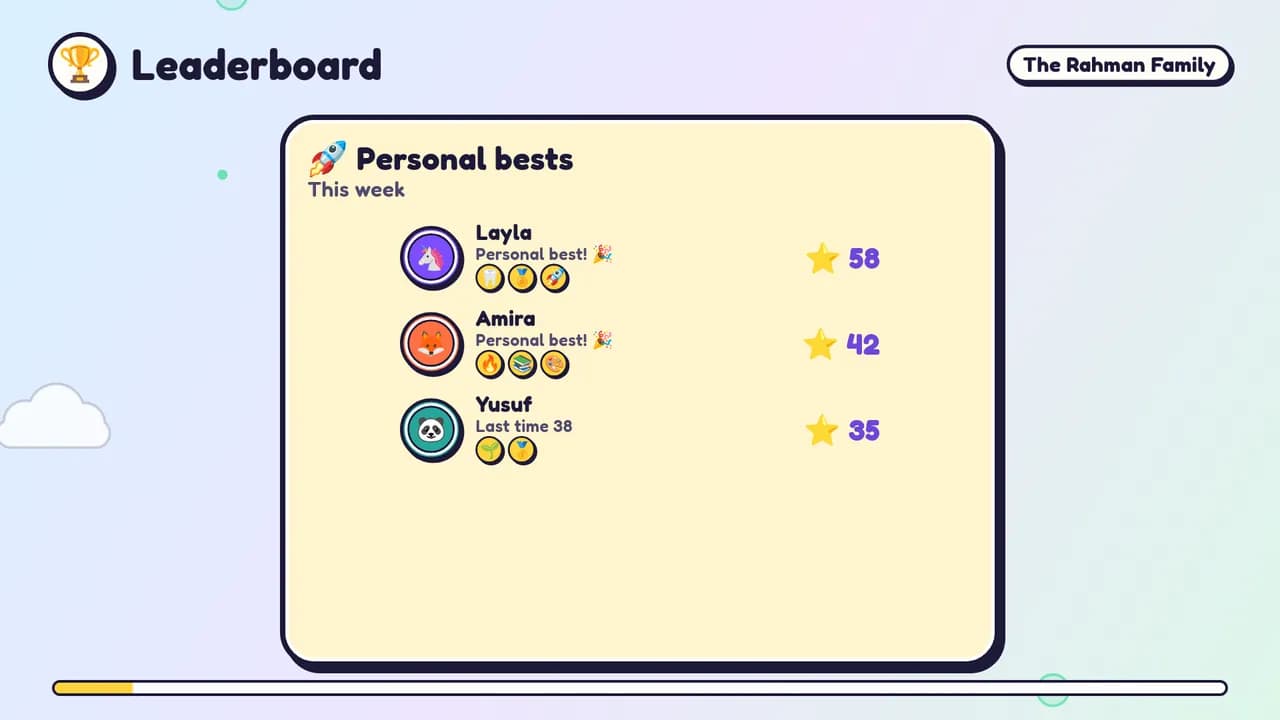
An opt-in board that is off by default. Personal-best mode compares each child only with their own previous week or month.
Your photos as a slideshow or collage, and as the Android TV screen saver. Stored privately for your family only.
Try it
This is what happens in the living room when a grown-up taps Approve. Go on — try it.
The Rahman Family
Today
Amira
⭐ 10
Brush teeth
Waiting for a grown-up ⏳
Yusuf
⭐ 20
Tidy up toys
Waiting for a grown-up ⏳
Layla
⭐ 45
Read a book
Waiting for a grown-up ⏳
Approvals
3 tasks waiting
🦊 Amira · 🪥 Brush teeth · +5 ⭐
Tap the TV to close a celebration. The third approval unlocks a milestone.
Why it works
We didn't invent these ideas — they're common ground among parents and teachers. TinySteps just makes them easy to practise every day.
Celebrations name what the child actually did — “Amira finished Brush teeth!” — instead of labels like “smart” or “good girl”.
Tiny daily tasks build habits better than big rare ones. Streaks and day-by-day progress make the routine visible.
There's no sibling ranking by default. If you turn the leaderboard on, personal-best mode compares each child only with themselves.
No point deductions for missed tasks and no shaming screens. A missed day is just a missed day.
Child photos live in private storage and are only shown to your family and your paired TVs. No ads, and children never need an account.
The board is on the shared TV, not a private screen — so wins are noticed and cheered by everyone in the room.
TinySteps is a pilot. We're learning with real families and will only make claims we can show.
Family roles
Invite the people who help raise your kids. Everyone sees the wins; only the grown-ups in charge can change things.
Mum, Dad, grandparents, guardians
Aunts, uncles, cousins, family friends
Every family has one owner, and ownership can be handed over.
Get the apps
Create your family on the web first, then install the apps and pair your TV with a 6-digit code.
Android phones. Approve tasks, manage routines, rewards and milestones, and control the TV from the sofa.
Download for AndroidAndroid TV and Google TV (Android 7.0 or newer). The family board, celebrations, slides and screen saver.
Download for Android TVThe parent web app runs in the browser, so it works on a laptop, iPhone or iPad too — with everything the phone app can do.
Open the web appPilot builds
During the pilot the Android apps are installed straight from this site, not from Google Play. On your TV, open the Downloader app and enter my.tinysteps.family/tv. Android will ask you to allow the install once; after that, updates arrive inside the app.
FAQ
Yes — TinySteps is free while we run the pilot. There are no ads and no in-app purchases.
No. Children are profiles inside your family. They use the TV with the remote; only grown-ups sign in.
Android TV and Google TV devices running Android 7.0 or newer, including TV boxes and sticks. Our pilot TV is a Xiaomi Mi TV P1 on Android TV 11.
Photos are stored in private storage and only shown to members of your family and to TVs you paired. Deleting a photo removes the file.
Not yet. The parent web app runs in the browser on iPhone and iPad and can do everything the Android app does.
Only if you choose to. The leaderboard is off by default, and its personal-best mode compares each child with their own previous period instead of with siblings.
No. The TV pairs with your family through a 6-digit code over the internet, and you can revoke a TV at any time.
Yes. Invite them as managers if they help run routines, or as viewers if they'd just like to see the progress and milestones.
Create your family, add your kids and pair the TV — it takes a few minutes.